Hi
,
I try not to send more than one email per week, but I think you're going to want to see this.
Back in May, Fujifilm added a new feature called FOCUS BRACKETING to the X-T2 and X-H1. (By then, the GFX already had this feature.)
Unfortunately,
since it came with very little documentation, many people were confused about what this feature does and how to use it. I received quite a few emails from readers who asked me to explain how FOCUS BRACKETING works, and to them, I promised that I'd try it out for myself so I could explain it to you guys.
Well, yesterday, I finally had a chance to delve in and figure it out. I took my camera out into
my garden and photographed flowers and wet leaves, and created some pretty dramatic photo sets using the new feature.
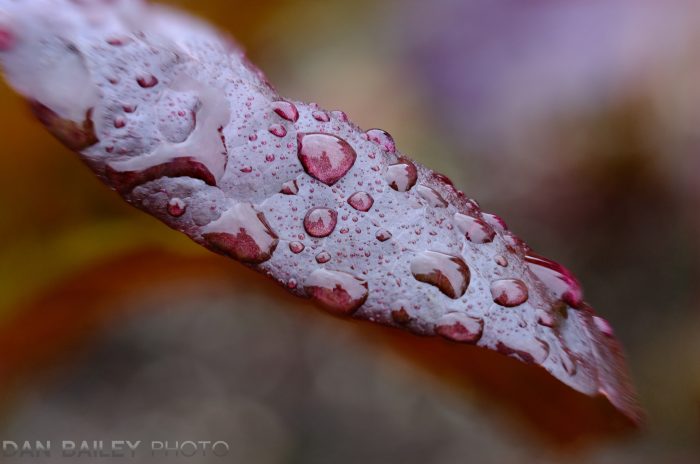
Later, I stacked them together in Photoshop and came out with some very dramatic final images. This red lettuce leaf below is my favorite.
And, as promised, I wrote a full tutorial on my blog, which I just published this morning. In this post, I explain how to use the new FOCUS
BRACKETING feature, and how to stack your images on the computer once you've created your bracketed series. It's a pretty cool technique, and it's one that I've never tried before.
With all the rain we've had lately, I haven't been out shooting action stuff very much. However, trying out this technique opened up some new creative ideas for me, and it was a lot of fun! It's a cool skill to add to your bag of
tricks.
Even if you don't have an X-T2, X-H1 or GFX, you can still do Focus Stacking, you just need to manually bracket your focus, which is no big deal. Also, you don't need Photoshop to stack your images, there are other programs that can do this task, and I list them in my post.
It just did for me.