One of the most useful aspects of the X Series and GFX cameras are the numerous Function (Fn) controls that allow you to customize the operation of your camera to best suit your preferences and your shooting style.
These controls are found on every model as a set of buttons and
optional "swipe gestures" on the Touchscreen LCD. Not everyone uses the touch screen, but this "swipe" feature can actually be quite useful for very fast recall of certain settings, which will make you a more efficient photographer.
In the video above, I show you how these work, how to set up and change your own Fn controls, and I also
show you how I have them set up on my own Fujifilm cameras.
Even if you already have your camera set up, it's good to review your Fn assignments on occasion to adapt to different styles, preferences and subject matter change. For as quick as it is to change them, there's no reason you can't adjust one or two settings and optimize your camera based on what you're shooting.
For additional help or advice on how to best set up your camera, you might even consider a one-time 1:1 coaching session with me.
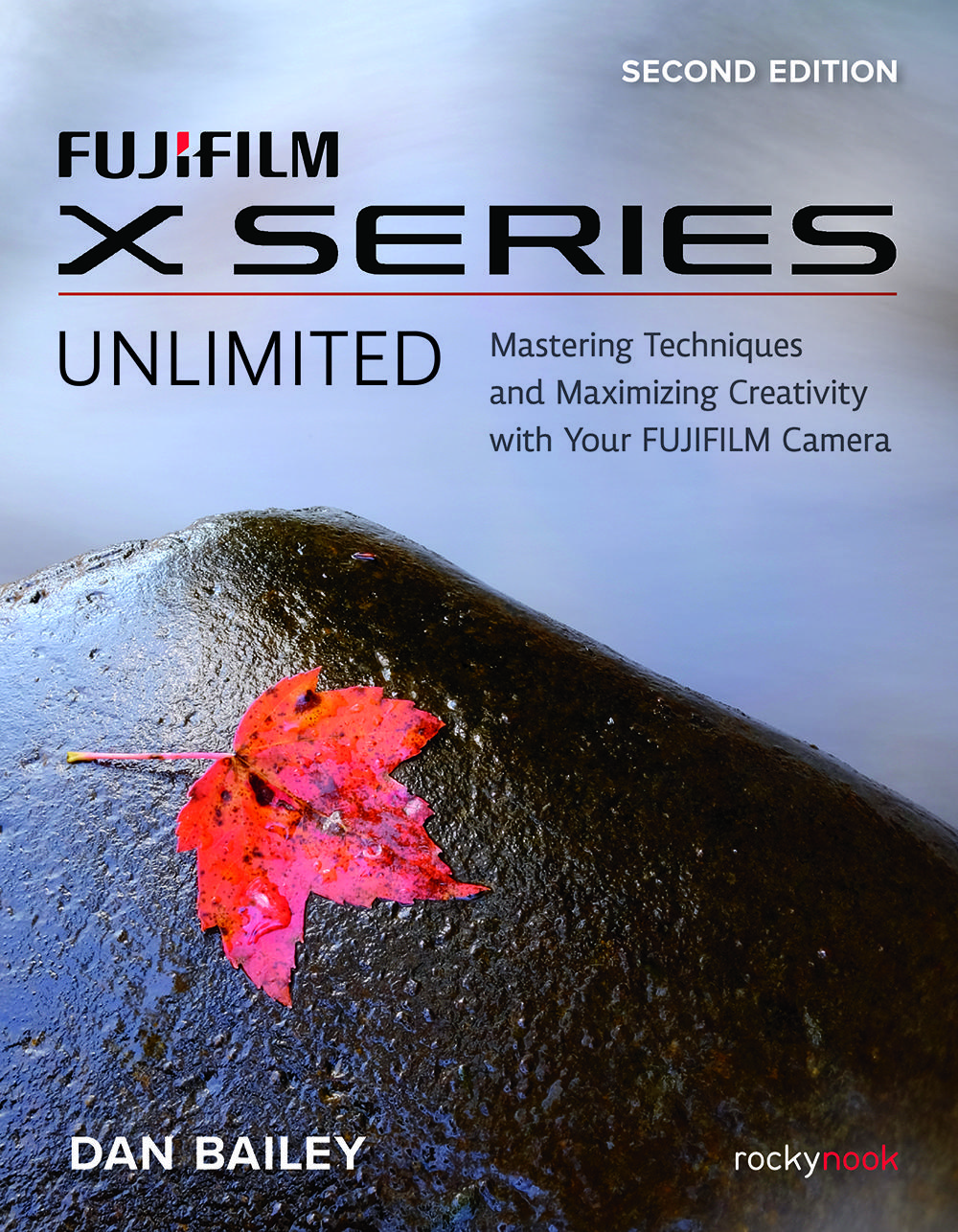
FUJIFILM X SERIES UNLIMITED, 2nd Edition
Earlier this year, Rocky Nook published the 2nd Edition of my FUJIFILM X SERIES UNLIMITED, which brings the print version of my bestselling eBook up to
date with all of the new 5th Generation models, including the X-H2, X-H2S, X-T5 and X-S20. The book is available from Amazon and other booksellers.
However, as subscriber, you can purchase the book directly from RockyNook, and use discount code BAILEY40 to save 40% on your purchase.
Whether you're looking for a gift for a fellow Fuji user, or making your own holiday wish list, consider the gorgeous 2nd edition print edition of the best Fuji guide around.